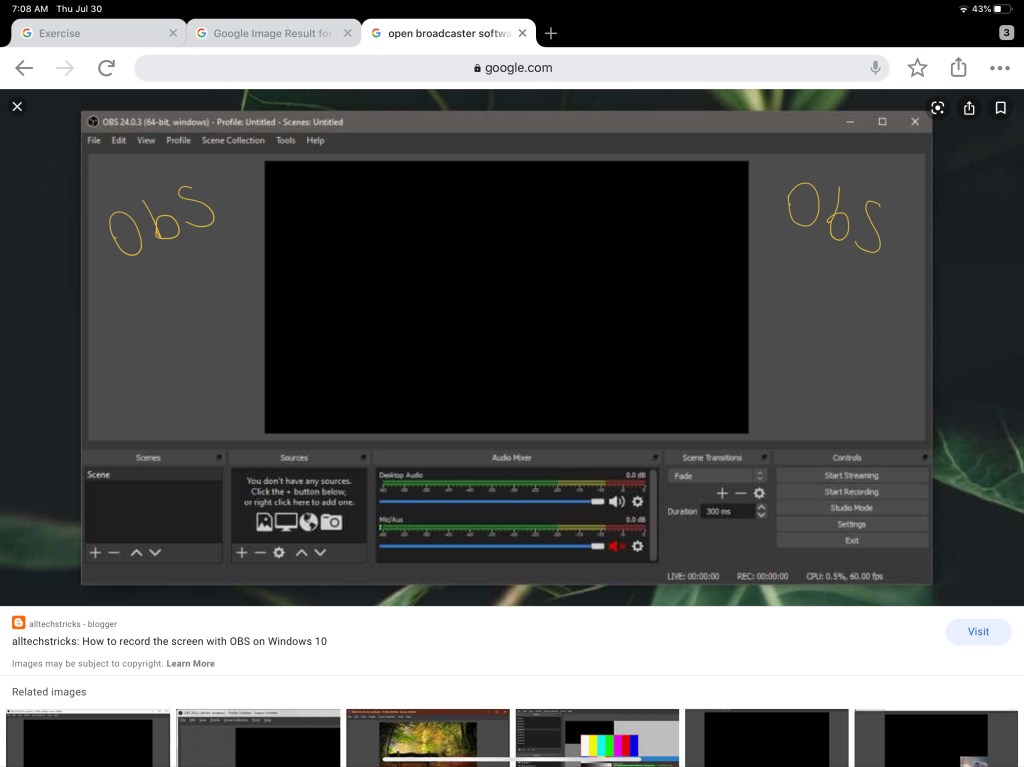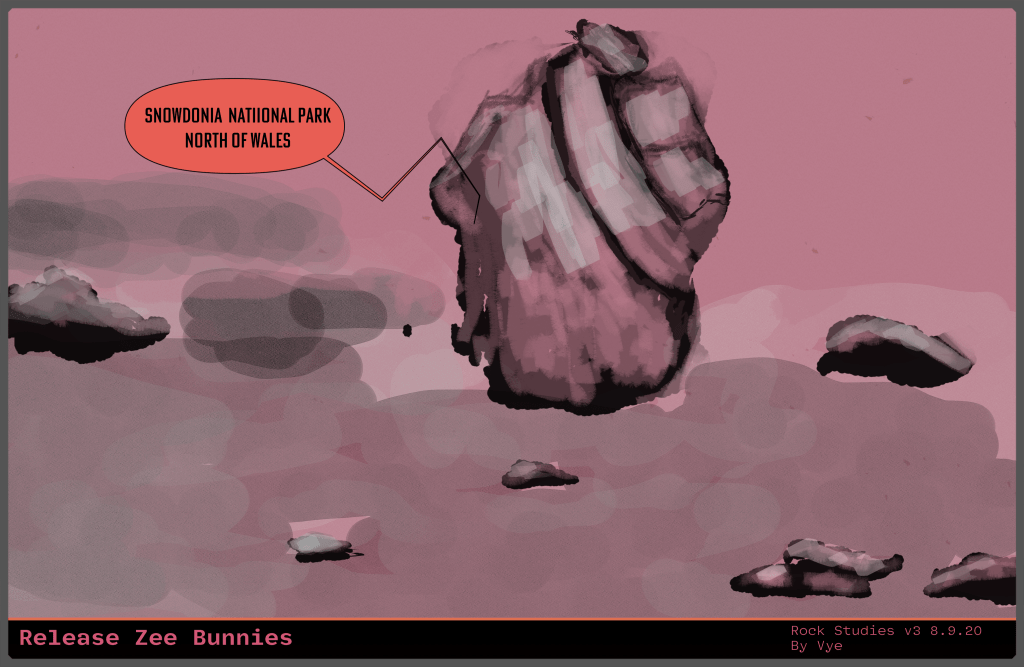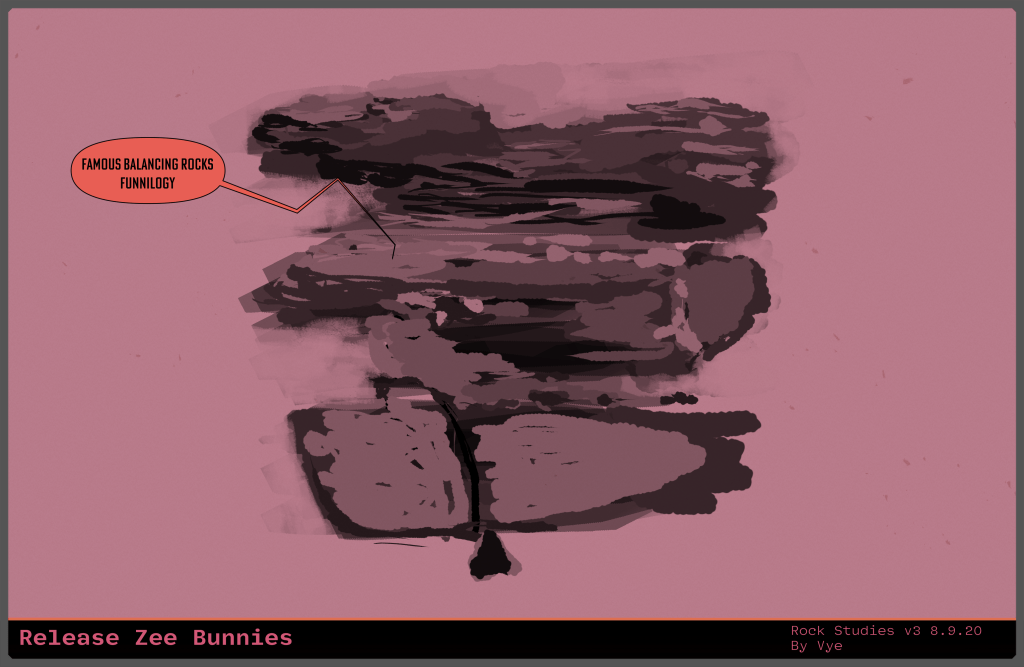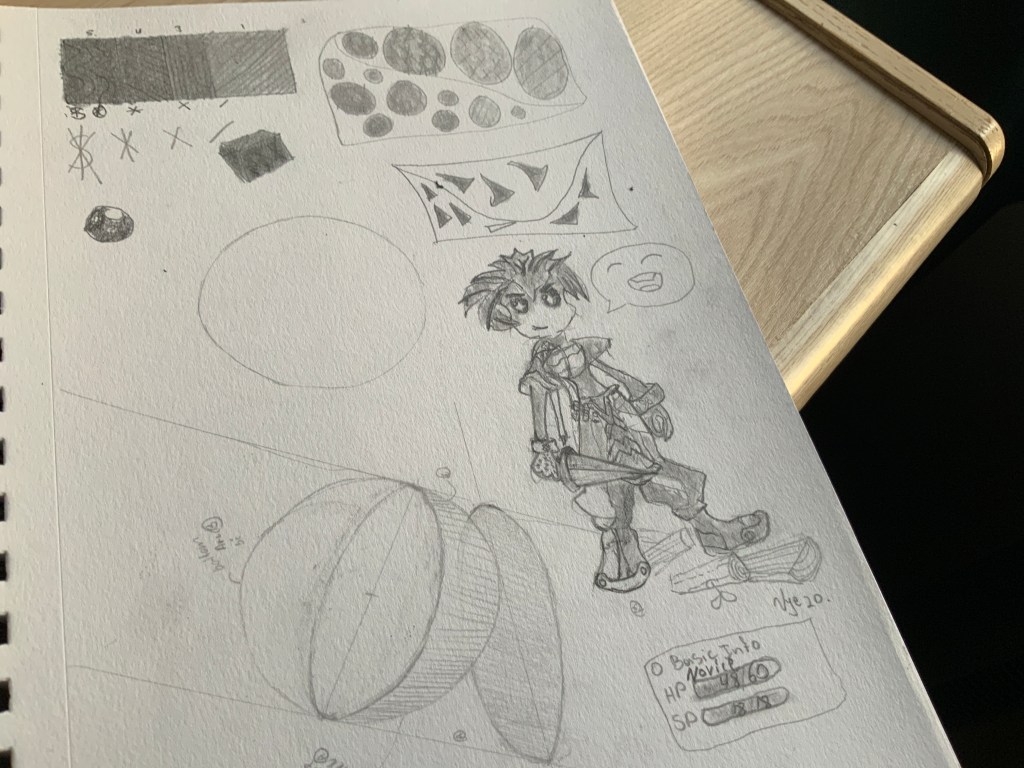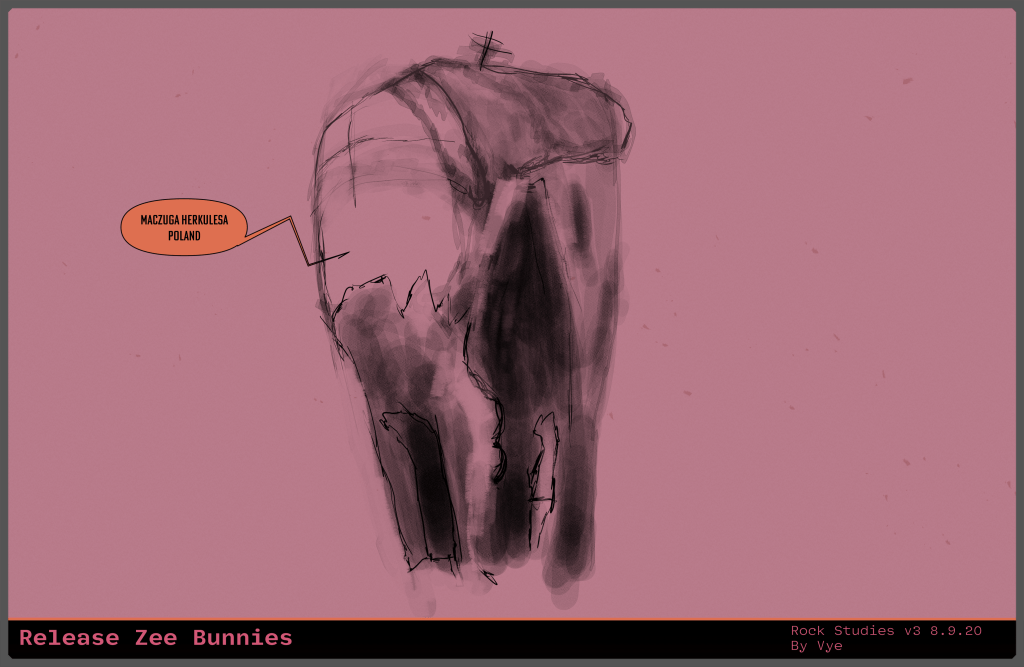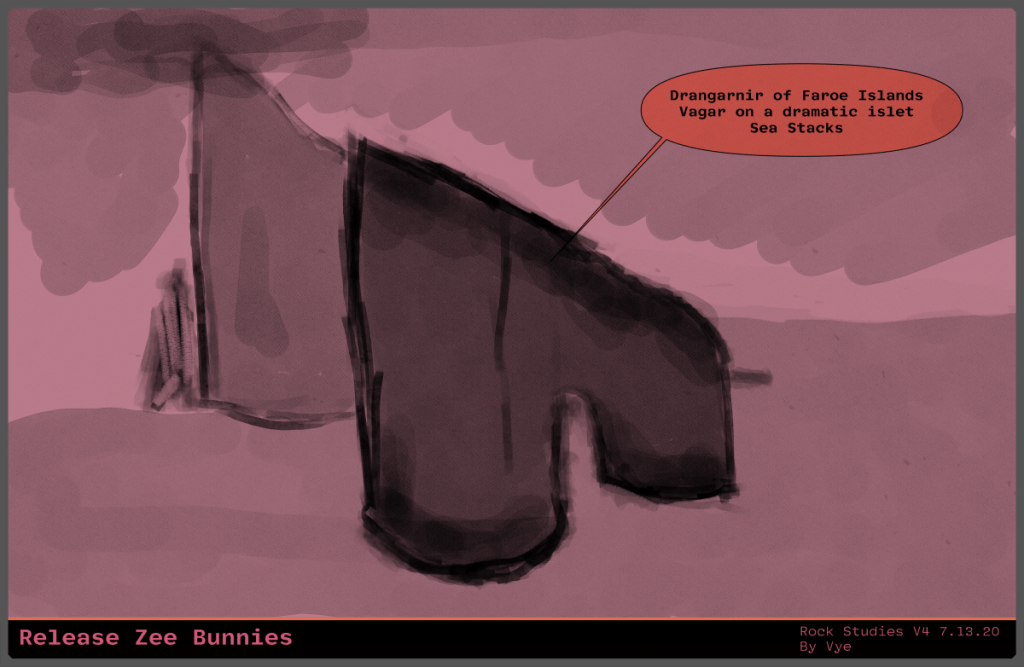
Hi, friends, let us talk about yesterday and then move to the drawing plan 26. The other day, I reviewed the possibility of live streaming on Twitch. Also, my brother suggested I use an app called Iriun to capture live video from my phone and feed it to my open broadcaster software. Then, after setting it up, my MacBook Pro was running slow. I will need to find a better way to live stream. Anyhow, let’s try to push towards the drawing plan 26.

Last night, I had tried to think about building a Twitch layout for live streaming. However, nothing exciting came from my doodles. It wasn’t until this morning that I realized that I need to go online and get some inspiration. Then, I will probably get better ideas for the UI or look and feel. If you’re still confused, I’ll try to explain in the next paragraph as we try to make our way to the drawing plan 26.
When using open broadcaster softer or OBS for short, you can customize your live stream. What that means is that you can put borders, colors, and images on top of each other to create an appealing look for your live stream. Also, it is sort of similar to going to a store. The store has a banner with pretty colors and decorations to catch your attention. I hope that gives you an idea of what I mean by UI, so let us move to the drawing plan 26.
(more…)