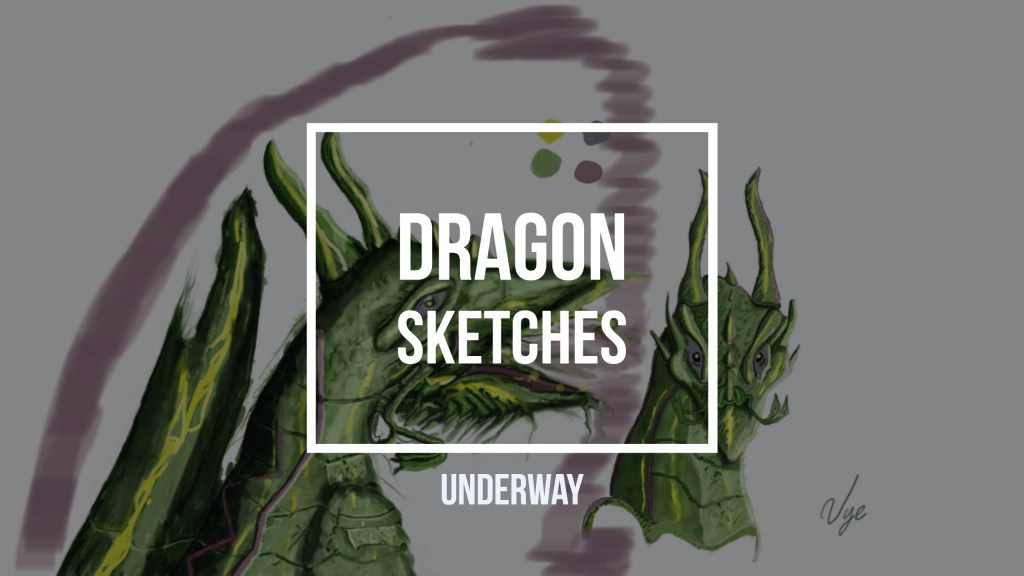
Tag: video

  • Chronolapse Dragon Sketches Underway

    Chronolapse Dragon Sketches Underway

    I’m working on putting together a visual-provoking time-lapse. I experimented with software called Chronolapse. It has a feature to take screenshots every second or the amount you specify. Whats more is that it can combine all of the images into a video. I decided to use Adobe Lightroom and Photoshop, but it quickly becomes a chore to figure out how to output simple motion video. For example, I didn’t know what to set the frame rate too, and I didn’t want to spend hours figuring it out.  When I have time, I might return to adobe and figure it out, unless somebody knows how to create a simple time-lapse. Chronolapse is excellent, but for some reason, Adobe Premiere is trying to provoke me. In other words, it didn’t take the MPEG format. Nor does Adobe Media Encoder. Therefore, I have to resort to using a dependable FREE VLC Fix!
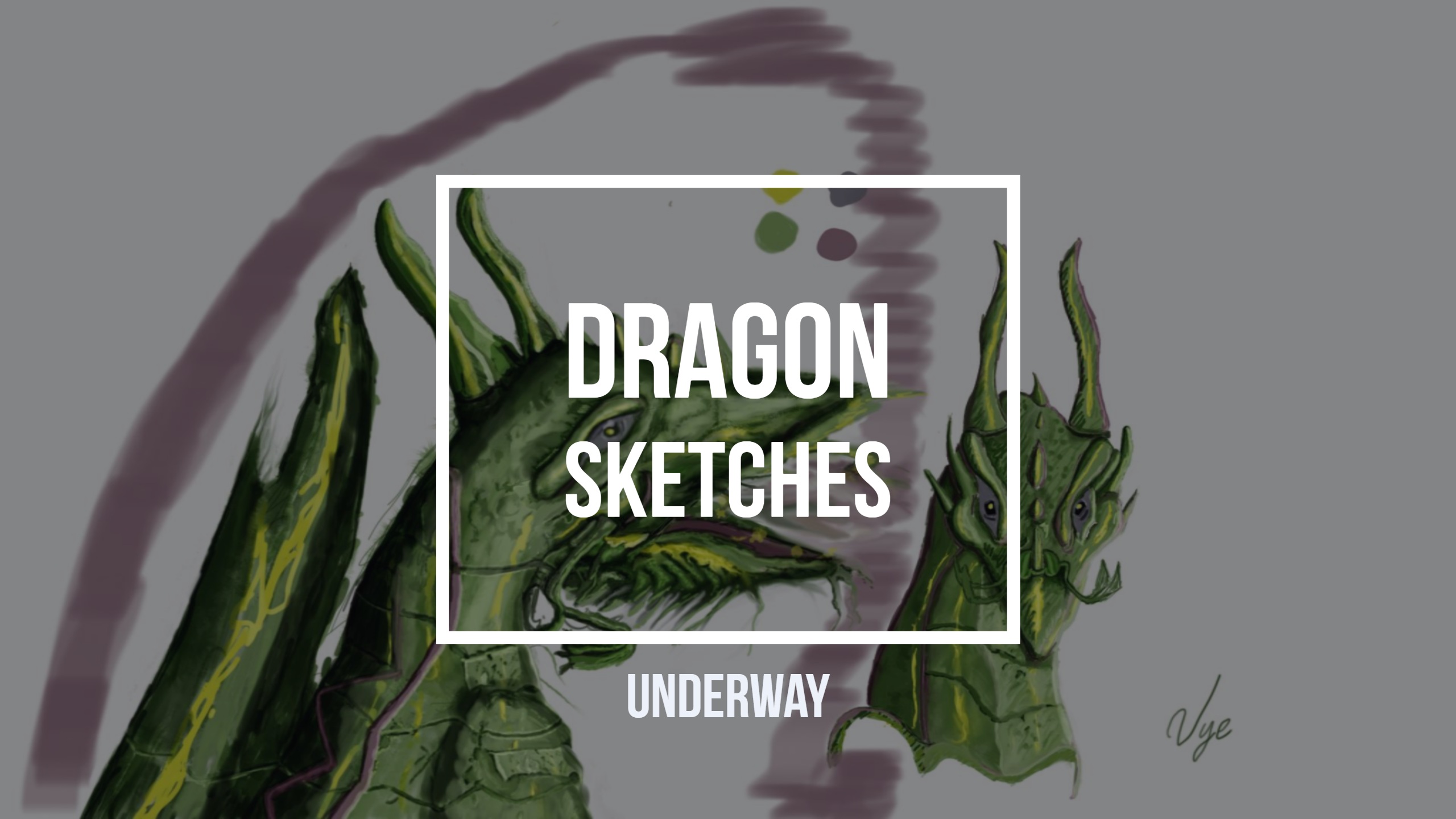
    Dragon Sketches Underway chronolapse
    Dragon Sketches Underway Chronolapse

    Chronolapse

    Earlier I used Open Broadcast Software to create a video, but it is to heavy on my tablet resources. If I continue to use OBS, my poor tablets resources cannot keep up with Sketchbook Pro. For example, when I draw, it slows down my brush strokes and makes it hard for me to stay focused. Later on, I realized that I had to throw out the time-lapse created in Chronolapse. When I imported my video tracks into Adobe Premiere, the duration of the video becomes 1 second. Therefore an hour was lost in trying to convert and combine simple video.

    This slideshow requires JavaScript.

    VLC is Good

    I ended up saving all of the video files using VLC. Spending 3-4 days trying to do this task is a bit much? I get about an hour to work on this, but that’s it. I’m not going to give up of course, in fact, I outline my goals in my Striving to Become a Professional Artist page.

    Is feedback a good thing right?

    The great thing about this experience is that I will look for another way to speed up my workflow. I’m open to new ideas if you have recommendations.

  • How to use Open Broadcaster Software

    How to use Open Broadcaster Software

    Start broadcasting your games and show the public what your can do on the battlefield! I downloaded Open Broadcaster Software, its free, so it was my first choice. It was a bit of a challenge at first to get it going, but after I read a few tutorials I was up and streaming. The stream is unique to your setting of your game, so don’t go maxing out all your settings and expect to get 1080p video. According to my sources, you should keep the kbps to 80% of your total upload bandwidth. However, mind you that Twitch and YouTube cap your top at 3000-6000 kbps. One not so obvious thing to most is that each game eats up your GPU and CPU resources. Don’t expect to get a lag free stream if you plan on playing on maximum game graphic settings. I would recommend setting your resolution to at least 1080 width and what ever height. Then set all you’re in game graphics to medium or low. Just experiment and see how the stream does. OBS has a status bar on the bottom that shows you your stream frame rate and your transfer rate. Watch those and adjust your settings accordingly to get the best stream result. I started streaming with Twitch because they have a huge gaming community and decent video editing tools. Then I moved to YouTube and I was pleased to find that it had similar if not better setup. I did have a lot of trouble keeping my games from lagging or my stream from losing frames on both platforms. I’ve looked around and most of my findings were just about network problems. Moving away from network, I started to think its something on my end. I tweaked my resolution and upload speed, but I wasn’t able to get the result I wanted. I ended up reducing my in-game graphics to medium and to my surprise, I was able to maintain good FPS and continue gaming with no problem. It turns out that my graphics card was not able to stream and render my game with my high setting. If you want to maintain high quality stream, then I would recommend getting a video capture card for that. That’s pretty much it, Good luck on your adventure!