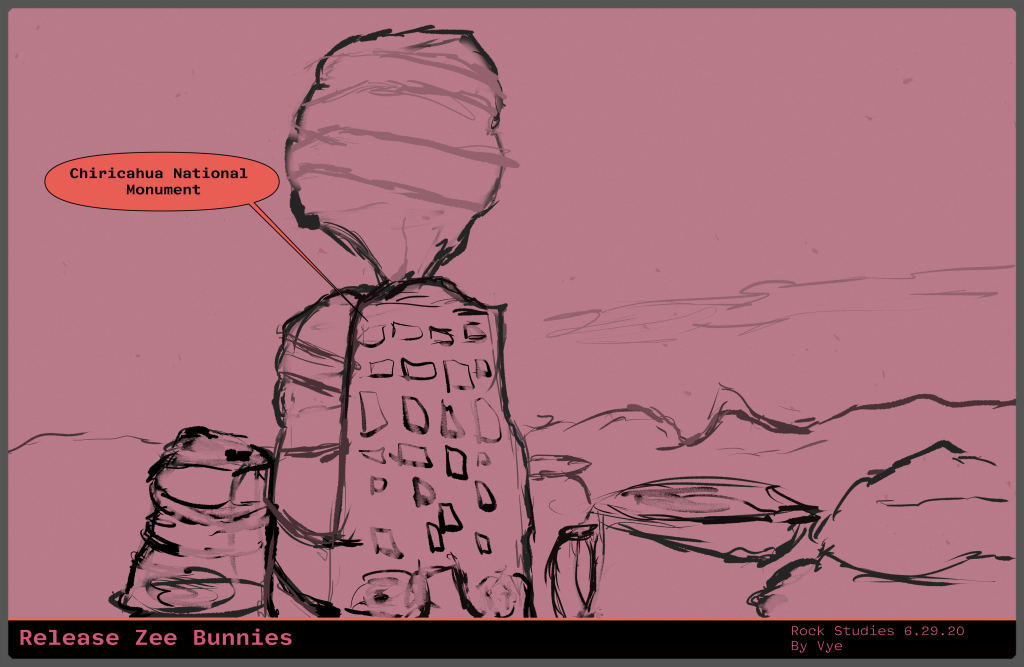
Hi, friends, starting up my drawing plan nine. The other day, I finished up creating Trent’s gradients maps in Clip Studio. I hope that the riskiness of spending most of my time to finish it was worth it. Two days ago, I had to install a trial version of Photoshop to transfer all of the gradients. In other news, I was able to complete a few more drawing studies. Then, I focused my attention on learning about blending modes in Clip Studio. I’m creating a small piece of paper that I will post on the wall to remind me of what each mode purpose. Anyway, let us talk about drawing plan nine.
(more…)Tag: clip studio
-
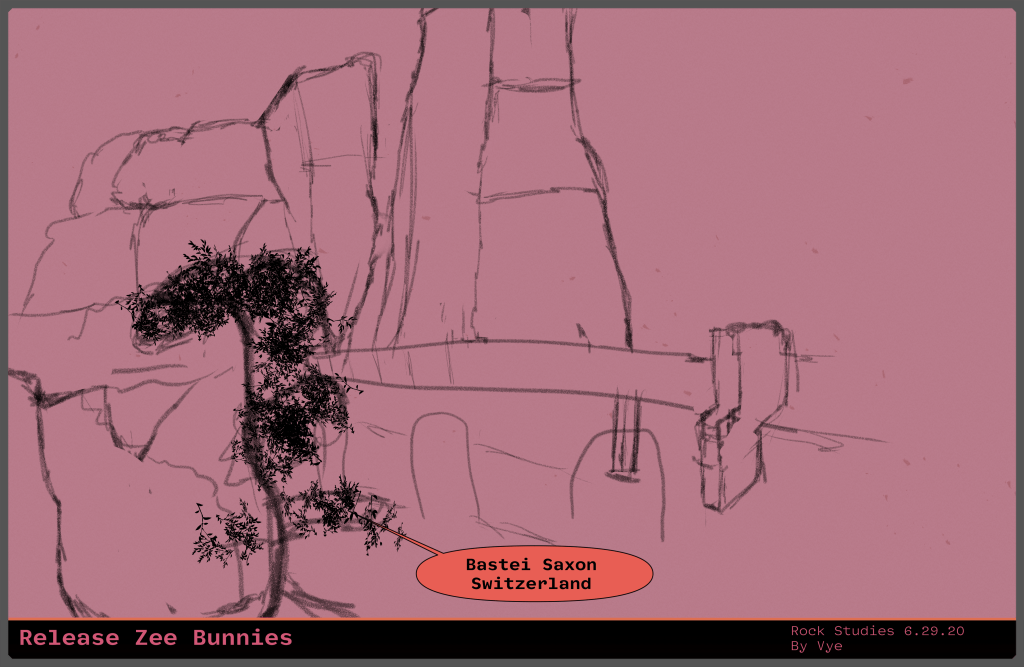
Drawing Plan Eight: Morning Half Hour Week Drawing Studies
Hi, friends, starting up my drawing plan eight. The other day I decided to import Trent’s gradient maps into Clip Studio. That was a pain. Halfway in, I lost a whole strip because I forgot to save. I must have spent the entire day on the task. My goal was to finish that up and report back to Trent. However, I can’t figure out how to give it to him. It seems the only way to share it is to publish it online with Clip Studio paint. You’re probably wondering what the heck is a gradient map. I found a tutorial as I was writing drawing plan eight, you might want to check it out.
In summary, a gradient map maps your values to your colors, so if you have a range from light red to dark red. You can check out my DeviantArt page. I have an example where I put together all my art studies, and the underlying color has the gradient map applied. Anyhow, let us move over to today’s drawing plan eight.
(more…) -

Mystery: How to Create Flow & Improve Interest?
Mystery Create Flow & Improve Scene Interest 💀 👻
A “mystery” is
Something that is difficult or impossible to understand or explain.
~ Google Search
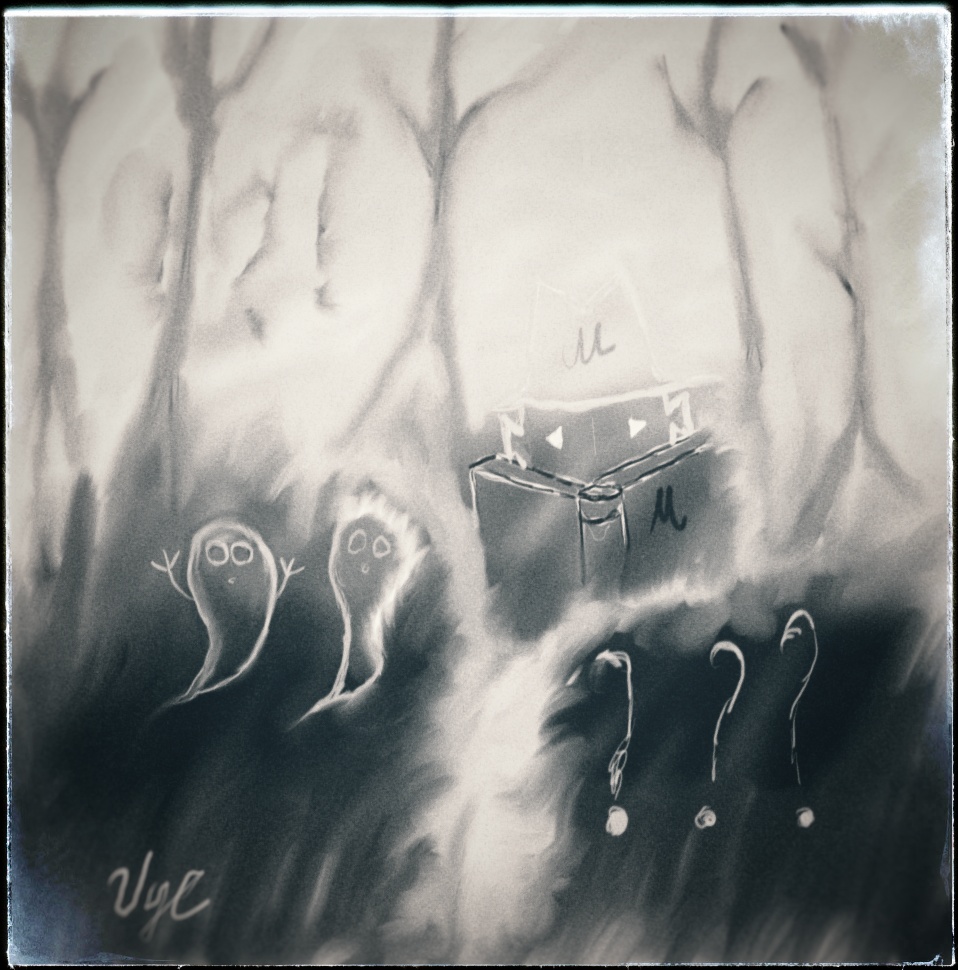
Feature Mystery Last few days I watch artist Trent Keniuga. I was watching his YouTube video of Secrets of Thumbnail Drawing. From watching this video, the technique that grabbed my attention was how quickly he created the landscapes using a few shades of gray. I believe he used ranges between 20% – 80%. After selecting at least three, you can create a believable landscape. The mystery to me was creating the flow and placing objects in such a way where they can make for a pleasant story. Therefore, today on the train I set forth on this journey. My goal was to create a mystery or something. I went on google image search and tried to find something worthy, but I didn’t see much. Working with what I had already started with and limited time, I created the featured image. During the lunch hour, I opened up Photoshop and Google Snapseed to finish off processing the photos. Please let me know in the comments below if you like my mystery and if you have any tips or tricks to come up with ideas for a scene quickly?
The next day I’m planning on practicing the environment study further. It will probably be on Simmer: How to Show Flow & Promote Scene Passion?
I’m curious to know… What a mystery ⁉
I was quickly able to convert my featured image from TIFF to PNG, but I failed to save the Clip Studio image I created. I would like to know how to import a Clip Studio file into Photoshop? When I get home, I’ll post the other picture here, stay tuned! 😍
Feel free to post your creations in the comments below. Also, my grammar and English isn’t that good either, if you see something odd, please let me know!? If you like what you see, please like, reblog and follow for more inspiration! ¯¯(ツ)/¯
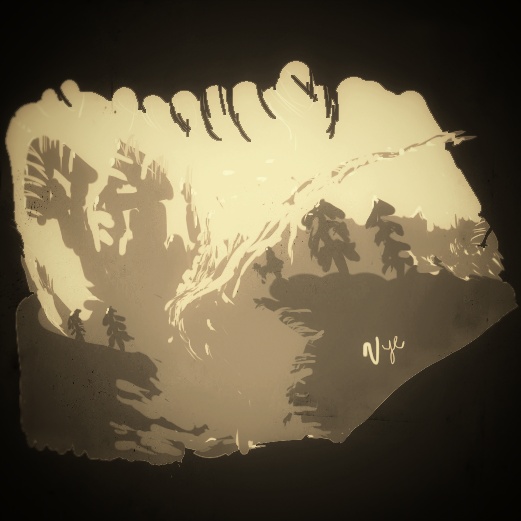
Environment Study Processed 
Environment Study 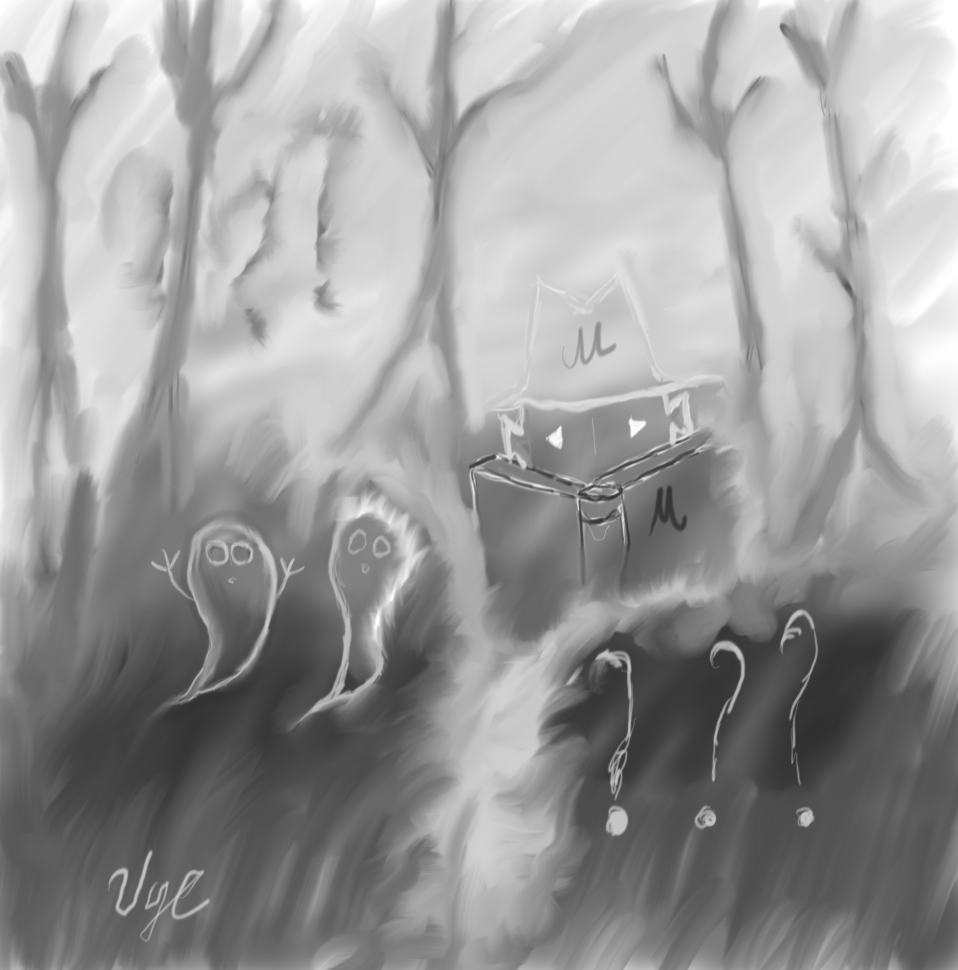
Feature Mystery Original Reading List 📚
