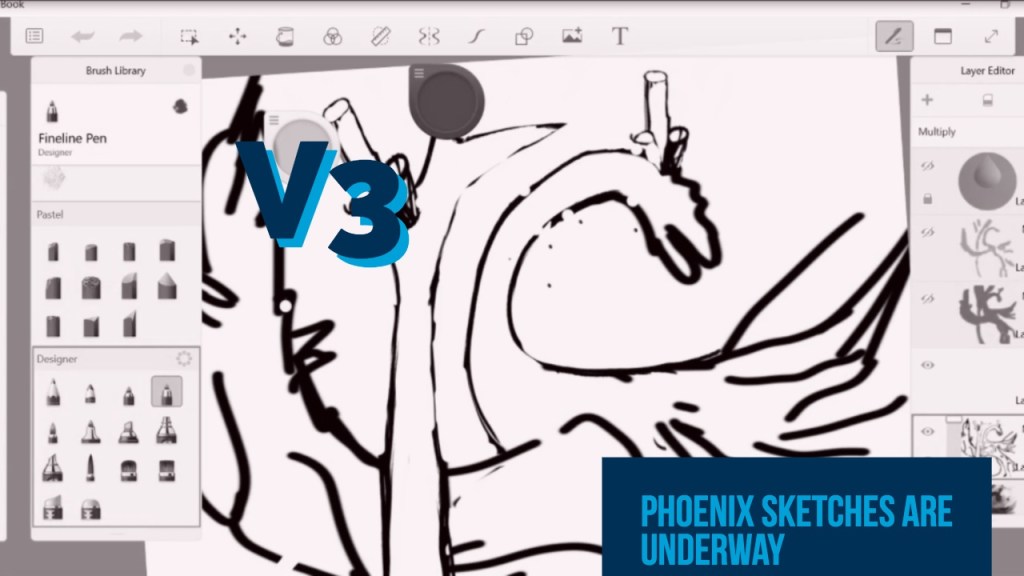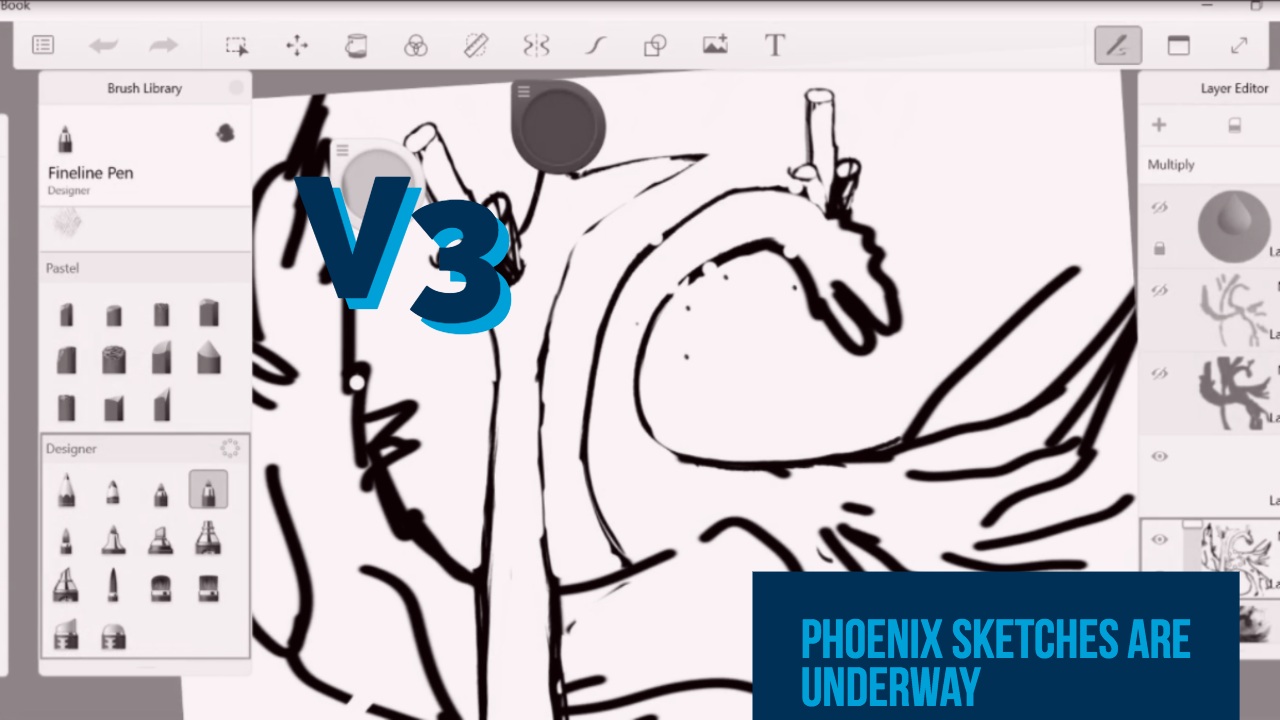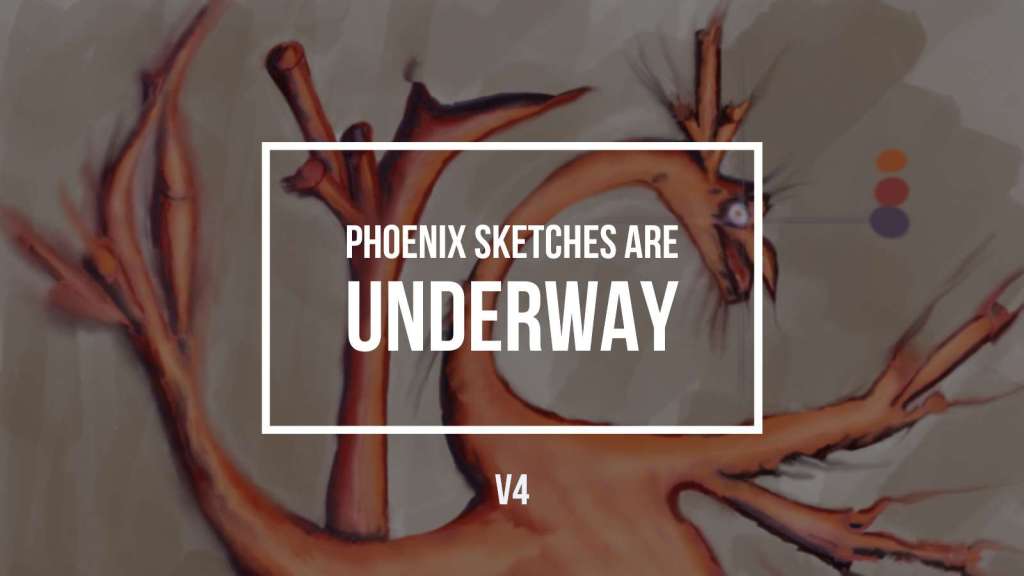
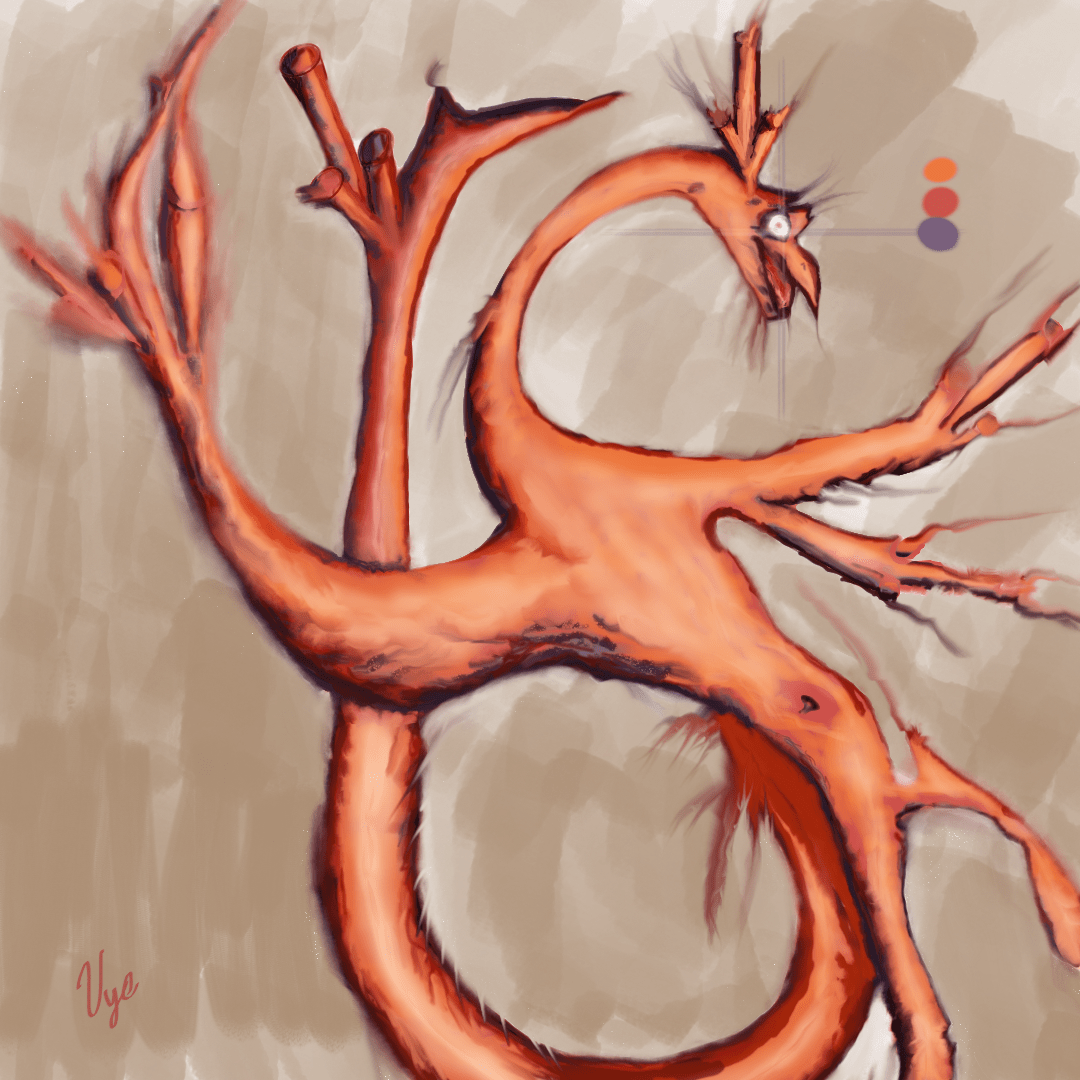
I finished the Phoenix, grabbed a few screenshots and shot some excellent video clips. I promise to go into the tools and my workflow in a few minutes. More importantly, I wanted to bring up that my goal is to publish it these every day, but I couldn’t meet the deadline, and if you stick around, I will let you know what transpired. I will go into the software I used to process my images and video clips. Besides, I will discuss my drawing and mistakes and the solutions to these issues. If you stick around till the end of this video, I will walk you through a video time-lapse of the process.
Video Clips Digging into the Phoenix Sketches 🚨
Let’s restart; this whole thing started on the MTA subway train. Okay, I lied this whole thing started a while ago in January when I went on a ski trip to Vermont. I had a couple of my buddies draw lines and sketches over drinks. Even so, I bought this bird to live on the New York Subway system. In other words, I continued the doodle while commuting to work and I had the idea of recording what draw using OBS. OBS created several video clips for me to edit. If your interested read more about it in the article How to use Open Broadcaster Software?
Phoenix Workflow Unwrapped 🎁
Wait a minute, how does this whole thing come together? Well, OBS records and creates video clips. While that’s happening, I use Sketchbook Pro to draw and export screenshots of my bird. Then I bring those video clips into Adobe Premiere Pro. This tool allows me to create an attractive video that I can upload to YouTube. Meanwhile, I use another called Spark to create my featured image. I won’t lie, I’m not good at typesetting and design. This tool is great because it saves me a bunch of time in creating the featured image look. Even so, I want to get better at designing eventually, but now, I don’t have a lot of time. Finally, I use a tool called Grammarly to help me debug my writing skills. In other words, I’m still new when it comes to writing. I would like to communicate my thoughts effectively, so hopefully, this tool is doing the justice.
- What do you think of my writing?
- Has it improved?
- Should I dump this tool?
Final Sketch Thoughts 🤔
Now to the juicy part, the final stretch, err sketch! Okay, fireside chat, I wanted to discuss mistakes and solutions I discovered during my workflow and artwork. At the time of writing the blog post, I realized I needed more time to produce a good copy and content. For example, I didn’t know that creating the time-lapse video will take me more than three extra hours to create, encode and publish. Also, add a few days of coming home late, and exhaustion made it that much more exciting project to complete. Plus, I didn’t do a great job in identifying the focus points. For example, I pictured it all in detail, but I keep forgetting that in life that isn’t true. In other words, the wings, tail and face and all cannot all be in focus. Therefore, I will try to find which part is essential and add more detail there and keeping other parts more straightforward. Thus, allowing me to finish faster.
You might want to know ⁉
On the last note, I’m looking at a new tool called Chronolapse to take screenshots over a period. I think it will speed up my video editing process. Anyway, it’s getting late, and this is all I can remember. Please let me know what you think in the comments below?