Category: Uncategorized

  • What to do on Black Friday?

    What to do on Black Friday?

    Just Stay Home! :)

    What is everyone watching for Black Friday?

    I’m watching the news on my couch and relaxing. Then I turn on the TV and I notice that many people are lining up in the cold on thanksgiving. I ask myself the question why? Shouldn’t they just enjoy the holiday at home, with family and turkey? I’m worried about the poor staff working in the stores, instead of taking the holiday off. I get it, it’s probably extra money or maybe they are just don’t like turkey or the family.

    Here is an article example explaining why some retailers are stepping back from this holiday and the sales that it can bring.

    Just stay home and shop at home at your leisure. Maybe you’ll find a great deal on Cyber Monday!

  • What to listen to while playing WoT

    What to listen to while playing WoT

    SoundCloud while you watch World of Tanks

    See how masterfully I drive the Lowe : here

    I created a playlist of songs through Figure App iPhone and SoundCloud. Figure is DJ tool, tap, slide and make rhythm. SoundCloud is an audio platform that enables sound creators to upload, record, promote and share their originally-created sounds. The whole app features touch drum, bass and lead. This enables quick mixing with pause, record and stop sequences.

    World of Tanks

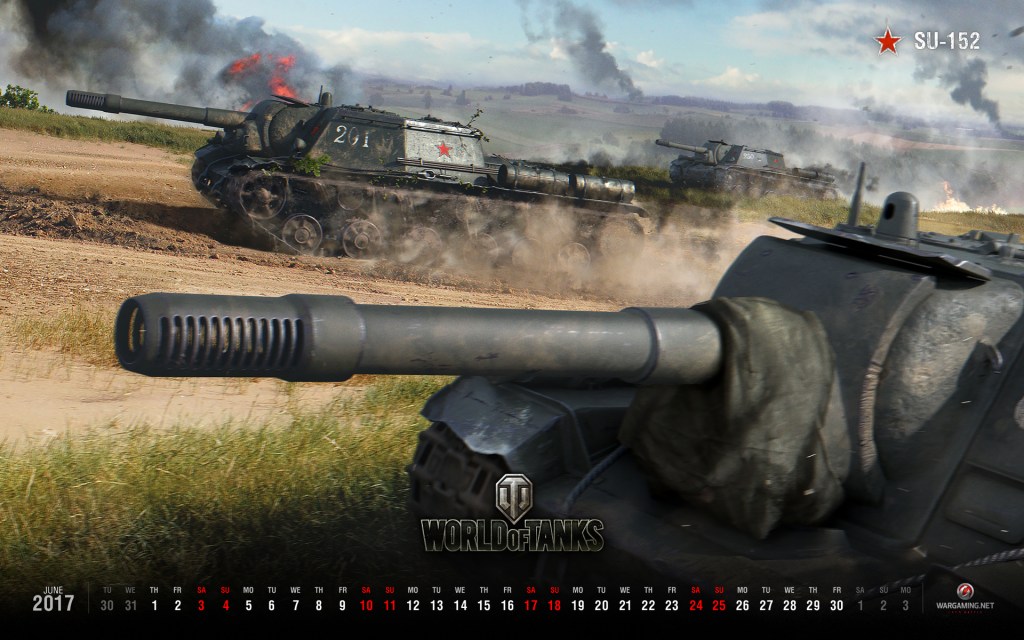
    “World of Tanks is a team-based massively multiplayer online action game dedicated to armored warfare in the middle of the 20th century. Throw yourself into epic tank battles with other steel cowboys all over the world. Your arsenal includes more than 200 armored vehicles from America, the United Kingdom, Germany, France, the Soviet Union and China.”

    Free to play award-winning online game World of Tanks — MMO-action about World War II tanks. Official site: support, forum, FAQ, download the game.

    World of Tanks

  • How to use Open Broadcaster Software

    How to use Open Broadcaster Software

    Start broadcasting your games and show the public what your can do on the battlefield! I downloaded Open Broadcaster Software, its free, so it was my first choice. It was a bit of a challenge at first to get it going, but after I read a few tutorials I was up and streaming. The stream is unique to your setting of your game, so don’t go maxing out all your settings and expect to get 1080p video. According to my sources, you should keep the kbps to 80% of your total upload bandwidth. However, mind you that Twitch and YouTube cap your top at 3000-6000 kbps. One not so obvious thing to most is that each game eats up your GPU and CPU resources. Don’t expect to get a lag free stream if you plan on playing on maximum game graphic settings. I would recommend setting your resolution to at least 1080 width and what ever height. Then set all you’re in game graphics to medium or low. Just experiment and see how the stream does. OBS has a status bar on the bottom that shows you your stream frame rate and your transfer rate. Watch those and adjust your settings accordingly to get the best stream result. I started streaming with Twitch because they have a huge gaming community and decent video editing tools. Then I moved to YouTube and I was pleased to find that it had similar if not better setup. I did have a lot of trouble keeping my games from lagging or my stream from losing frames on both platforms. I’ve looked around and most of my findings were just about network problems. Moving away from network, I started to think its something on my end. I tweaked my resolution and upload speed, but I wasn’t able to get the result I wanted. I ended up reducing my in-game graphics to medium and to my surprise, I was able to maintain good FPS and continue gaming with no problem. It turns out that my graphics card was not able to stream and render my game with my high setting. If you want to maintain high quality stream, then I would recommend getting a video capture card for that. That’s pretty much it, Good luck on your adventure!

  • How to Reset Form Unobtrusive jQuery?

    How to Reset Form Unobtrusive jQuery?

    I was looking around for a way to reset a form that was already validated by Unobtrusive jQuery Client Validation. JQuery validate doesn’t have any way to reset the UI after errors occur. However, you can safely use:

    var validator = $( "#myform" ).validate();
    validator.resetForm();

    The best example I found online was on John Culviner blog. It wasn’t exactly what I was looking for, but it was a good start. He resets the form by using a button and attributes, I need a function that does that, so I create a plugin that clears the form on demand.

    Clear Reset Form Unobtrusive jQuery validation part 2

    usage: $(“#signupform”).clearForm()

    (function ($) {
    
        $.fn.clearForm = function (options) {
    
            // This is the easiest way to have default options.
            var settings = $.extend({
                // These are the defaults.
    
                formId: this.closest('form')
    
            }, options);
    
            var $form = $(settings.formId);
    
            //reset jQuery Validate's internals
            $form.validate().resetForm();
    
            //reset unobtrusive validation summary, if it exists
            $form.find("[data-valmsg-summary=true]")
                .removeClass("validation-summary-errors")
                .addClass("validation-summary-valid")
                .find("ul").empty();
    
            //reset unobtrusive field level, if it exists
            $form.find("[data-valmsg-replace]")
                .removeClass("field-validation-error")
                .addClass("field-validation-valid")
                .empty();
    
            return $form;
        };
    
    }(jQuery));

    Good luck on your adventure! This should help a few people using unobtrusive Validation with MVC3.
  • PC Fire started unexpectedly

    PC Fire started unexpectedly

    PC Fire started unexpectedly

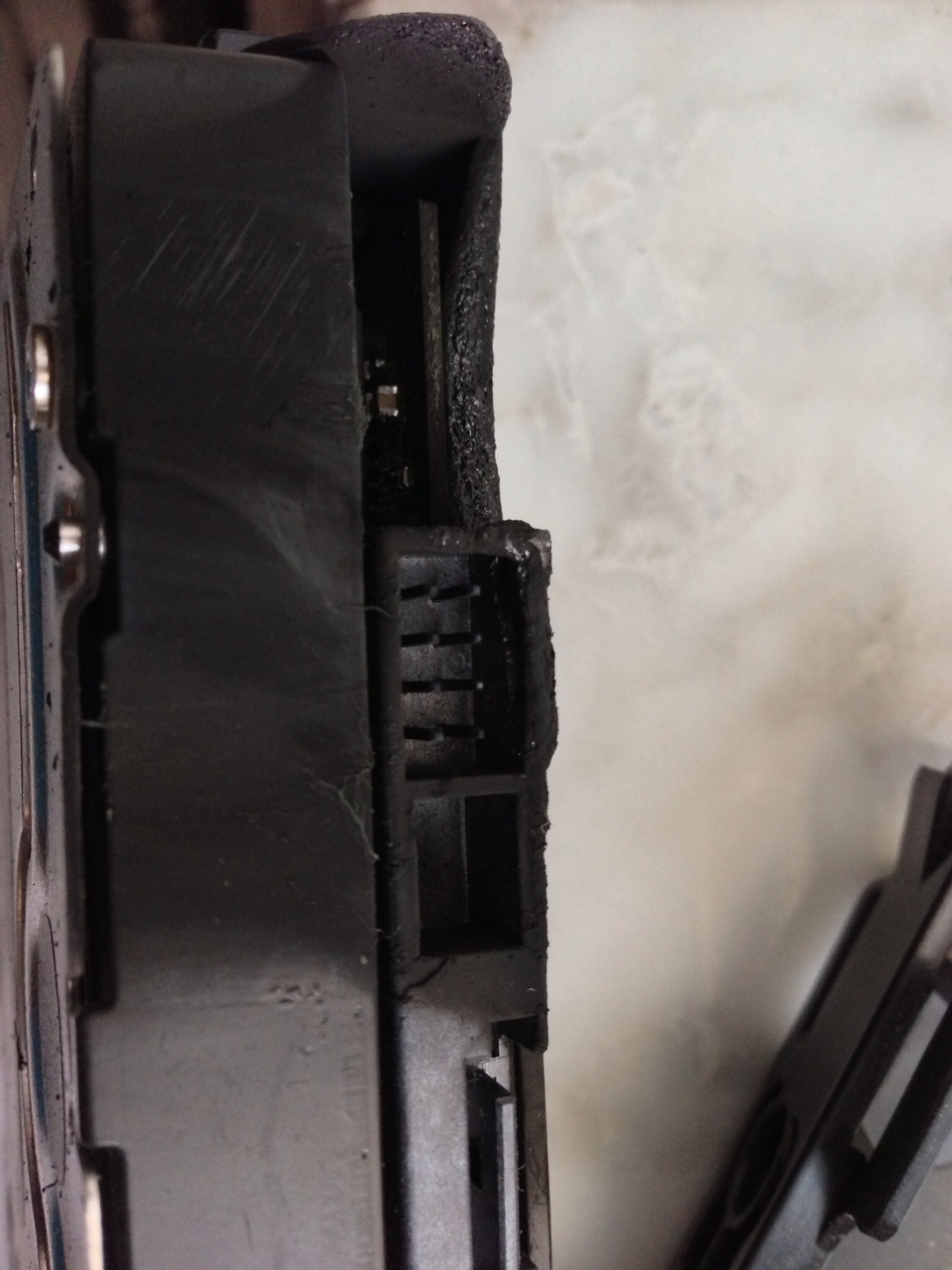
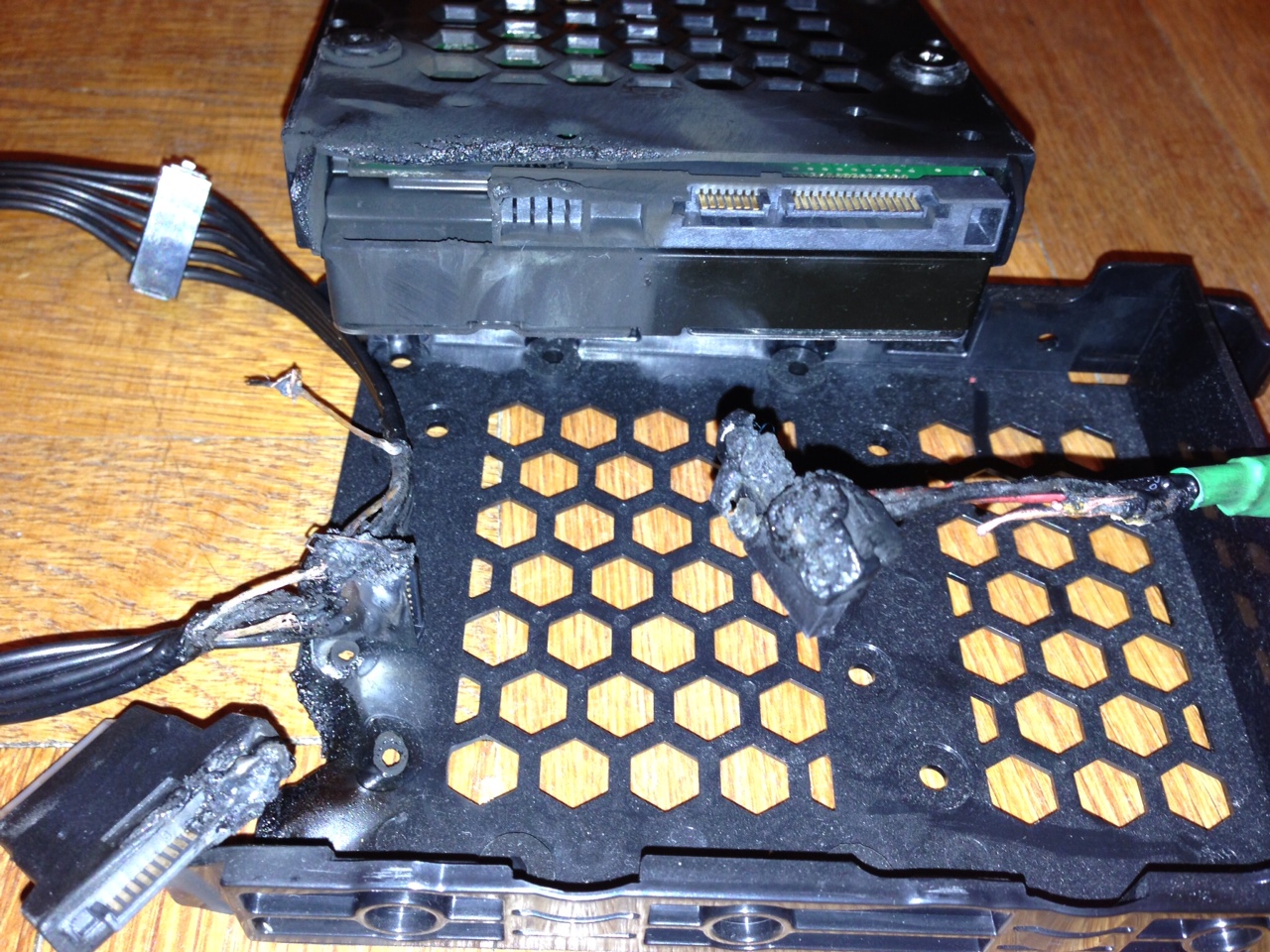
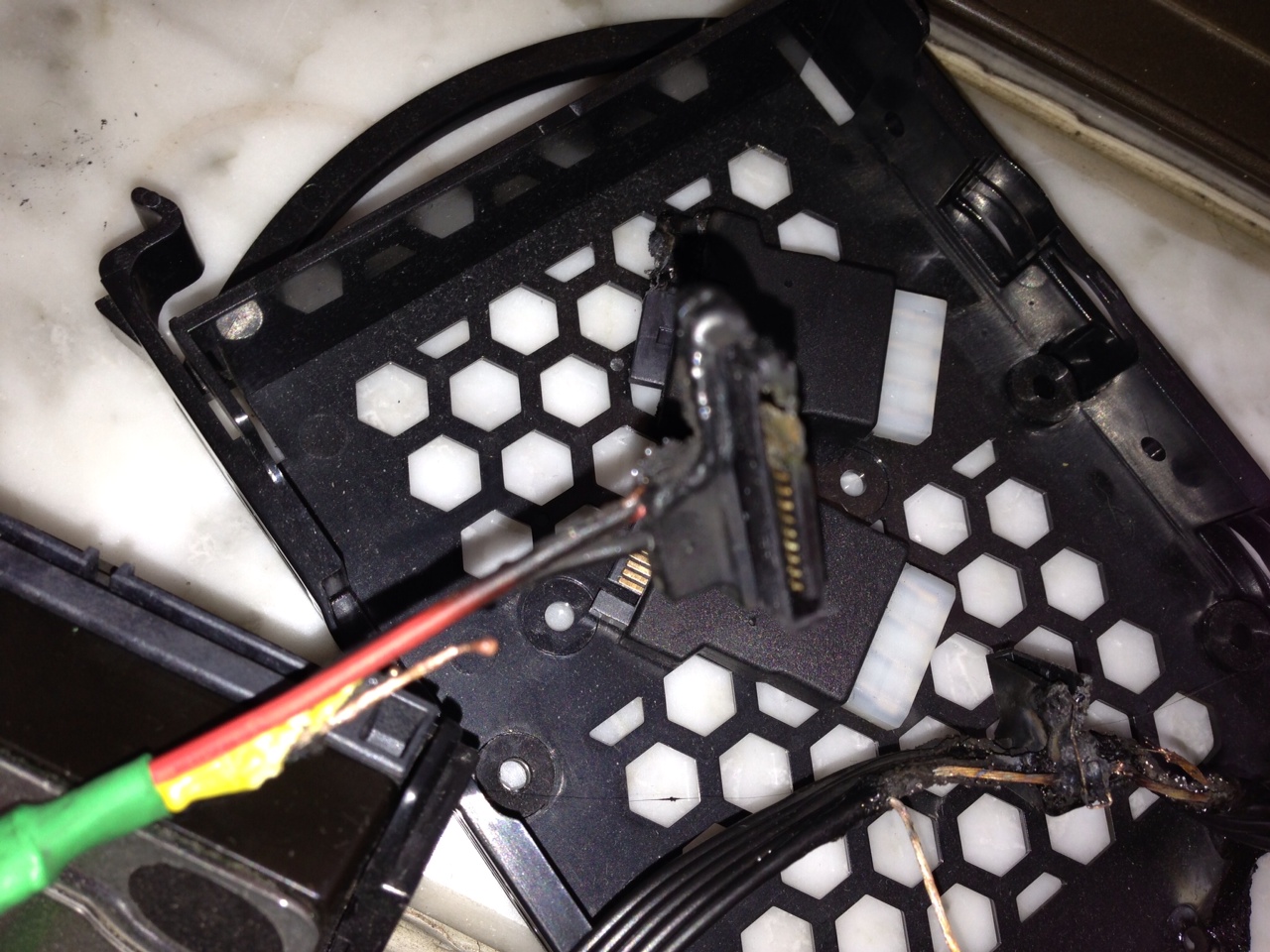
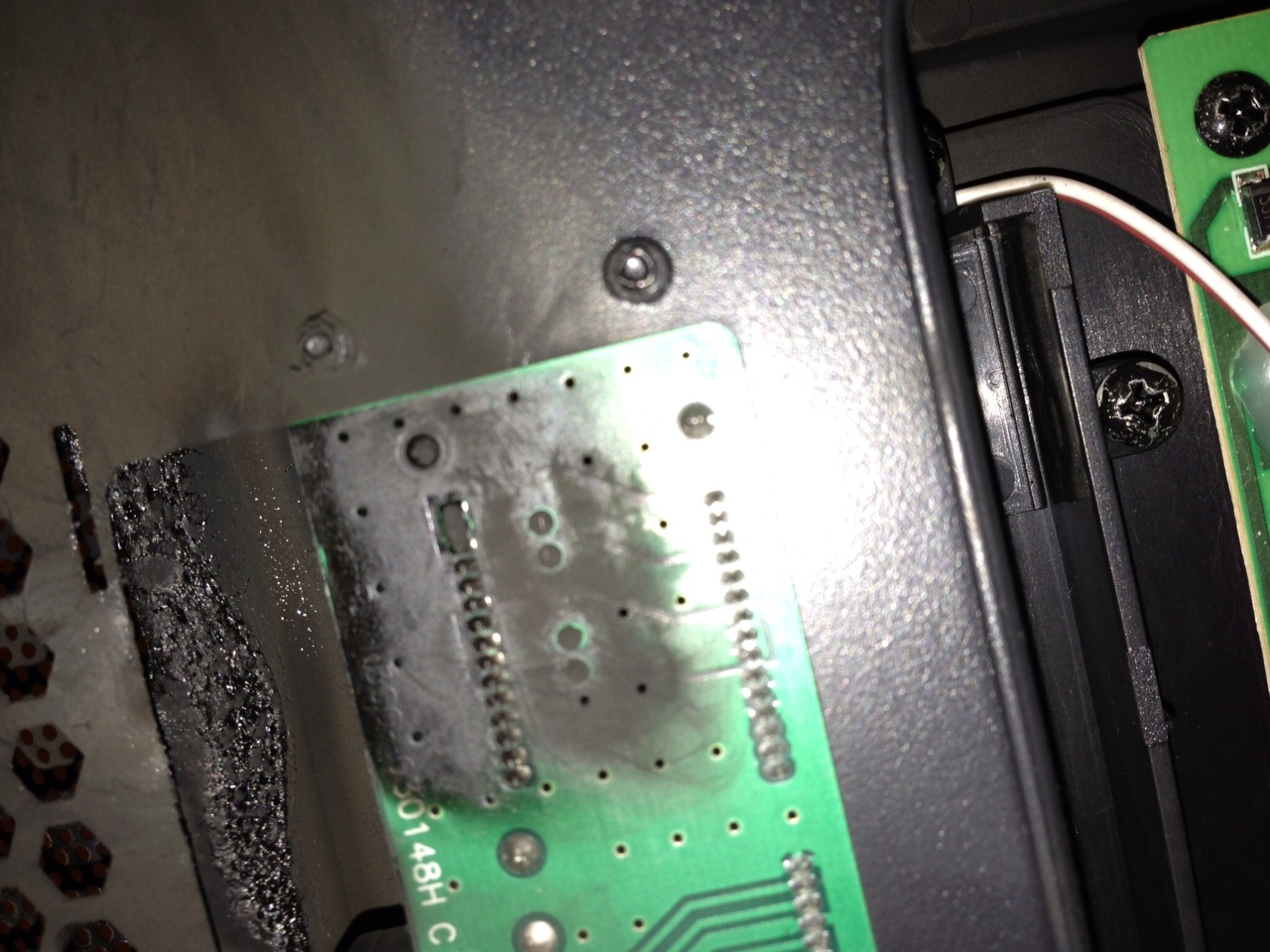
    PC fire started as a result of PSU wire, destroying my HDD and case components. I was told it could have resulted from a sleeved wire, but I don’t believe that to be the case. I’m pretty upset and I have to buy new parts. My whole room was filled with smoke when the fire started.

    I’m not sure what to do, I need to replace my full tower case and other parts. I’m looking at the Switch 810, but I’m worried about mounting my RX360 Rad, it’s thickness will give me a lot of trouble near the drive bay.

    Not sure how I will mount EX Vertical Res, but the Switch 810 is a pretty big case.

    Anyone have any suggestions? This is going to be hard because I’m going to be moving from my StrikeX (AeroCool).

    HDD IO Damage
    HDD IO Damage
    Outer Case Damage
    Outer Case Damage
    HDD and Tray Damage
    HDD and Tray Damage
    CD ROM Burned
    CD ROM Burned
    Sata burned wires
    Sata Power and Trey Burned
    External Dock burned
    Upper Panel